Unveiling the GATERON GT60 Pro Magnetic Keyboard PCB A Game Changer in Custom Mechanical Keyboards
The GATERON GT60 PRO+ is a high-performance mechanical keyboard that has gained popularity among enthusiasts for its robust build, tactile feedback, and customizable features. A crucial component of this keyboard is the Magnetic Keyboard PCB, which not only connects the switches but also provides a stable foundation for the entire keyboard assembly. This article delves into the key features, assembly process, customization options, and maintenance of the GATERON GT60 PRO+ Magnetic Keyboard PCB.
Key Features and Specifications
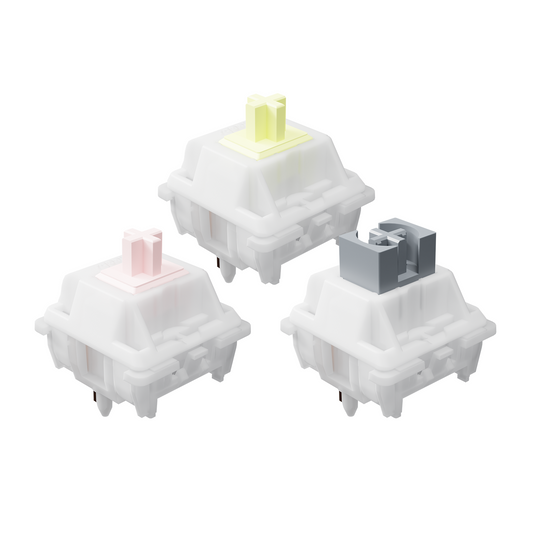
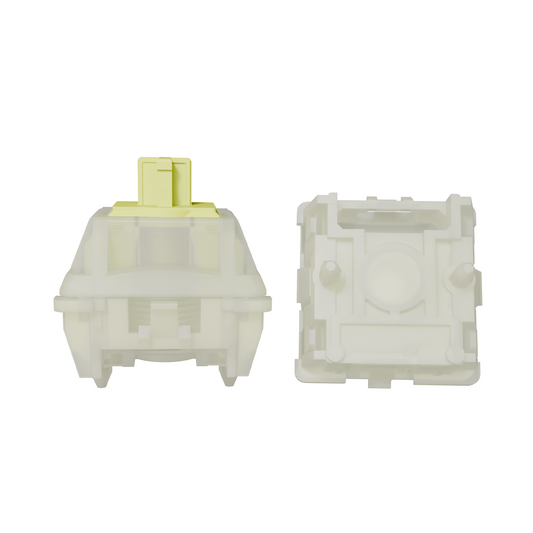
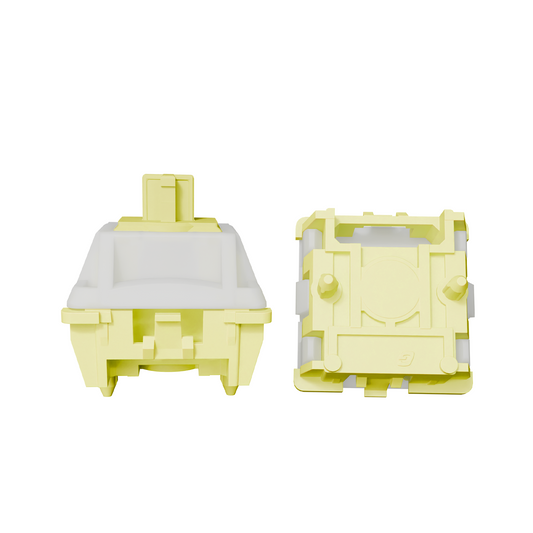
The Magnetic Keyboard PCB of the GATERON GT60 PRO+ is designed to be the heart of the keyboard, ensuring that each key press registers accurately and reliably. Its magnetic system allows for the easy detachment and reattachment of the keyboard halves, making it a breeze to clean or replace parts as needed. This PCB is compatible with a variety of switches, including linear, tactile, and clicky options, allowing users to tailor the typing experience to their preferences. The layout is thoughtfully designed to cater to different typing styles and hand sizes, ensuring comfort and efficiency.
Assembly and Installation Process
Assembling the GATERON GT60 PRO+ with the Magnetic Keyboard PCB is a straightforward process. Begin by aligning the PCB with the keyboard halves, ensuring that the magnetic points are correctly positioned. Gently press the halves together until they click into place, indicating a secure connection. It's important to check that all switches are firmly seated and making contact with the PCB to avoid any dead keys. Common issues such as misaligned switches or loose connections can be resolved by carefully inspecting the assembly and ensuring that each component is correctly placed.
Customization and Upgrade Options
The GATERON GT60 PRO+ Magnetic Keyboard PCB offers a plethora of customization options. Users can choose from a variety of switch types to alter the typing feel, from whisper-quiet linear switches for discreet typing to the satisfying click of tactile or clicky switches. Additionally, keycap sets can be swapped out to change the aesthetics of the keyboard, with options ranging from minimalist designs to vibrant, themed sets. The PCB's design also impacts the overall user experience, as it can affect the keyboard's stability and the consistency of the typing feel.
Maintenance and Care
Proper maintenance is essential to keep the GATERON GT60 PRO+ Magnetic Keyboard PCB in top condition. Regularly clean the keyboard to prevent dust accumulation, which can lead to switch failure or poor key registration. Use a can of compressed air to blow out dust from between the switches and the PCB. Additionally, periodically check the magnetic connections to ensure they remain strong and secure. By following these care practices, you can extend the life of your keyboard and maintain optimal performance.
Conclusion
The GATERON GT60 PRO+ Magnetic Keyboard PCB is a testament to the importance of a high-quality PCB in enhancing the functionality, customization, and overall user experience of a mechanical keyboard. Its magnetic system provides ease of maintenance, while its compatibility with various switches and keycaps allows for a personalized typing experience. By following the assembly instructions and maintaining the keyboard properly, users can enjoy a reliable and satisfying typing experience for years to come.
Recomendation

GATERON GT60 PRO+ Magnetic Keyboard PCB
$ 109